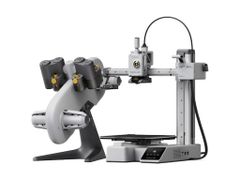
Bambu Lab Bambu Lab H3C Tool Changer 3D Printer


The Bambu Lab H3C is a next-generation tool-changer 3D printer engineered to push the boundaries of multi-material printing. Designed for makers and professionals who demand more, the H3C combines Bambu Lab's signature speed and reliability with a versatile tool-changing system for seamless material and color switching. Whether you're prototyping complex assemblies or producing detailed multi-material prints, the H3C is built to deliver.
- Bambu Lab H3C toolchanger 3D printer features a 9-tool system for advanced multi-material 3D printing.
- Engineered for speed, 3D print faster without sacrificing quality or accuracy.
- Seamless material switching designed to minimize downtime and wasted filament.
- Ideal for engineers, designers, and advanced makers pushing creative limits.
The Bambu Lab H3C is a tool-changer 3D printer with 9 PrintTools docked in a rack, so each material stays loaded and a change can take as little as 6 seconds by Bambu Lab's figures. Filament sits sealed in the AMS 3H on top, which can dry 2 spools at a time.
- 8 PrintTools for 1.75 mm filament and 1 for 2.85 mm TPU as soft as 75A.
- Far less purge per material change than a single-nozzle printer.
- 350 °C hardened steel nozzles and a 65 °C heated chamber for engineering filaments.
- Optional CraftTools add cutting and drawing, plus debossing and foil transfer with the CutTool.
Bambu Lab H3C Tool Changer 3D Printer
9 Docked PrintTools for Multi-Material Printing
Instead of purging one nozzle at every material change, the Bambu Lab H3C keeps 9 PrintTools loaded in a rack and swaps between them, so a change can take as little as 6 seconds* and wastes far less filament. Filament stays sealed in the AMS 3H on top, which loads standard filament automatically and can dry 2 spools at up to 85 °C.*
Key Features of the Bambu Lab H3C Tool Changer 3D Printer:
- SwapTek Tool Changer: 8 PrintTools for 1.75 mm filament and 1 for 2.85 mm TPU, each with its own hotend and filament path.
- Quick, Low-Waste Changes: Material switches in as little as 6 seconds, with as little as 0.038 g of purge, by Bambu Lab's figures.*
- Ultra-Soft TPU: The FlexFeed extruder prints 2.85 mm TPU as soft as 75A.
- Engineering Filaments: Hardened steel nozzles reach 350 °C and the chamber heats to 65 °C, for materials like PC and PA-CF.
- Optional CraftTools: Cutting, drawing, debossing and foil transfer, run as 2D jobs separate from 3D printing.
SwapTek: A Rack of 9 Loaded PrintTools
On a single-nozzle printer, every color or material change means cutting the filament, purging the old one and loading the next. The H3C gives each material its own PrintTool, with its own hotend and filament path, and the toolhead picks up whichever tool the print needs next.
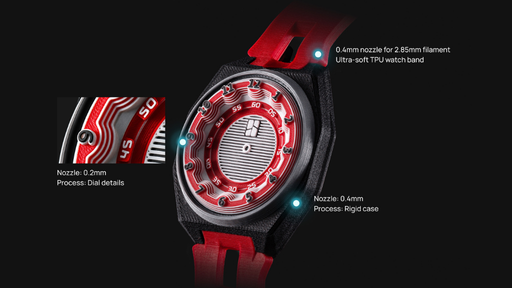
Tools can carry different nozzle sizes, too. Bambu Lab's sample watch prints as one piece with a 0.2 mm nozzle on the dial, 0.4 mm on the case and a 2.85 mm TPU tool on the band, and Bambu Studio's Multi-Nozzle Mode sets each tool's layer height from its nozzle size.
- Ships with 8 PrintTools for 1.75 mm filament and 1 for 2.85 mm TPU in slot 8, all with 0.4 mm nozzles.
- For 9 rigid materials, a ninth 1.75 mm PrintTool, sold separately, can replace the TPU tool.
- 0.2, 0.6 and 0.8 mm hotends are sold separately.

Material Changes in as Little as 6 Seconds
While one PrintTool prints, the next one heats up on the rack, so a change is mostly a matter of docking one tool and picking up another. Bambu Lab rates the tool change at 3.4 seconds and a full material switch at as little as 6 seconds.* Purge can be as low as 0.038 g per change in its testing,* far less than a single-nozzle printer, though multi-color prints still use a prime tower.
Quick changes are what make full-color printing practical. The H3C mixes shades by layering 5 CMYKW filaments, so a wide range of colors doesn't need a spool for each one. Bambu Studio's color mixing is built around Bambu Lab PLA Palette CMYKW, sold separately.
Speed, Calibration and Monitoring
Bambu Lab made the H3C's toolhead 40% lighter than the H2D's, and rates the printer for 1,400 mm/s travel and 25,000 mm/s² acceleration. With 9 tools to keep aligned, calibration is automatic: docking, the offsets between nozzles, and bed leveling all run without manual adjustment.
Before a print starts, the H3C compares what's loaded in the chamber with your slicer settings, and its cameras and AI then watch for spaghetti, purge-bin jams and clogs. When something does go wrong, the on-screen HMS guide walks through the fix for the most common error codes.
- The optional Vision Encoder recalibrates for wear and drift, bringing motion accuracy back under 50 µm.
- The tool rack retracts between swaps, so the print stays in view.
FlexFeed for Ultra-Soft TPU
Soft TPU tends to buckle on its way to the nozzle, which is why it usually has to print slowly. The H3C's FlexFeed extruder holds tension steady with a cam-driven mechanism and a PMSM motor, and its dedicated tool runs thicker 2.85 mm TPU that resists buckling. Bambu Lab rates it at up to 3x the maximum volumetric flow of its previous-generation machine on 1.75 mm filament,* with TPU as soft as 75A.
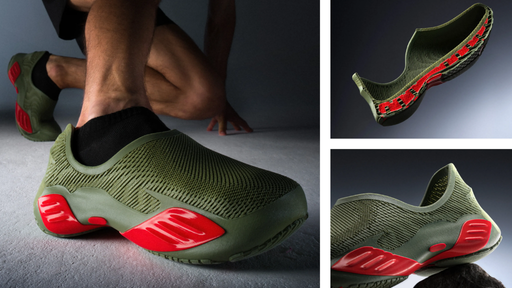
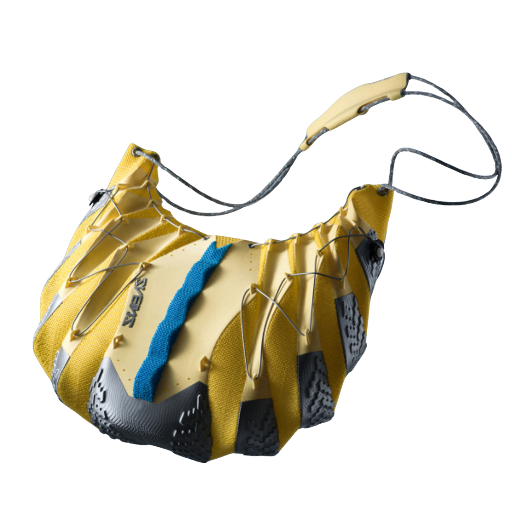
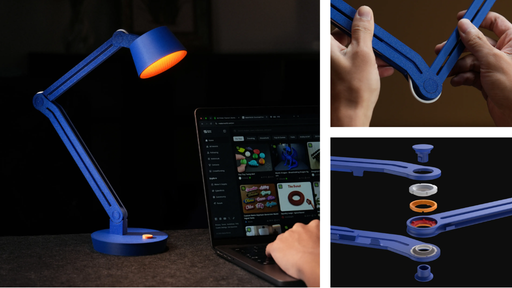
Because every material keeps its own tool, soft and rigid materials can share a print. Bambu Lab's sample bag is printed in multi-color TPU, and its hinge lamp sets a TPU cushion between rigid shells.
- The 2.85 mm PrintTool comes installed in slot 8 and takes flexible filament only.
- TPU 95A or softer, including all 2.85 mm TPU, loads by hand through a bypass port on the AMS 3H. Only TPU for AMS feeds automatically.
Heated Chamber and Built-In Filament Drying
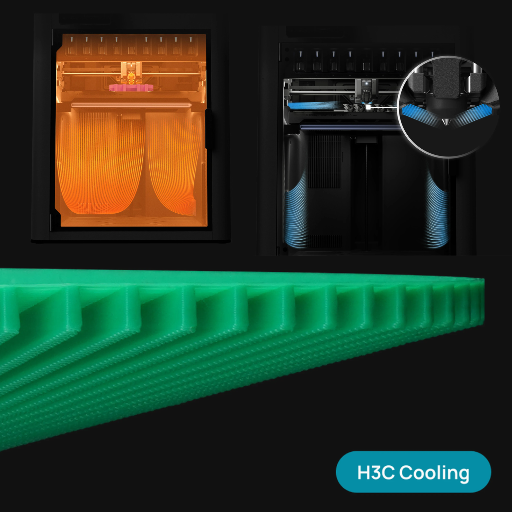
For engineering filaments, the 8 tools for 1.75 mm filament run up to 350 °C on hardened steel nozzles, and the chamber actively heats to 65 °C to keep warping down. Cross-flow cooling covers the other end, with part cooling and auxiliary fans for overhangs and bridges, a fan for the PrintTools, and a chamber fan that pulls in cooler air.
Filament lives in the AMS 3H on top of the printer, sealed with desiccant across 9 slots. Standard filament loads into its PrintTool automatically, and slots 6 and 8 double as an 85 °C dryer* for PA, PC, PET and TPU, even mid-print with select filaments.
- Bambu Lab recommends an external spool for carbon- and glass-fiber filament.
- Up to 4 AMS, AMS 2 Pro or AMS HT units, sold separately, bring the total to 24 colors. They need a separately sold External AMS Filament Buffer, plus a 4-in-1 PTFE adapter II for more than 2 units, and they feed PrintTool 1, so those colors purge like a standard AMS.
- Bambu Lab advises against printing filaments with very different temperature needs in the same job. If you do, set the chamber temperature to 0 in Bambu Studio and remove the AMS 3H side panels.
Software and Optional CraftTools
The H3C slices in Bambu Studio, which has Multi-Nozzle Mode and color mixing built in, and the Bambu Handy app lets you start and check on prints from your phone. Other slicers that output standard G-code work too, minus some advanced features. The printer connects over Wi-Fi 6 only, with no Ethernet port, so check your network before it arrives.
Optional CraftTools dock in the rack in place of a PrintTool. The CutTool cuts, and with the right tip it also debosses or applies foil, while the DrawTool holds a pen. 2D work runs as its own job from Bambu Suite, on a Cutting Platform that replaces the build plate, and cutting and drawing can share that job.
- CraftTools and the Cutting Platform are sold separately.
- A single job can't combine 2D work with 3D printing.
*Switch time, purge and flow figures are Bambu Lab's own, from internal testing. The 6 second switch was measured with PLA Basic in filament-saving purge mode under optimal conditions, and the 0.038 g purge also under optimal conditions. Actual results vary with filament and print settings. The 85 °C dryer figure is read at the built-in sensor, and readings elsewhere may differ.
What's included
Choose Your H3C Setup
Every option includes the H3C, its AMS 3H and 9 PrintTools: 8 for 1.75 mm filament and 1 for 2.85 mm TPU. Our bundles add MH Build Series filament and the accessories to go with it.

Machine Only
For owners who already have filament and accessories, or who want to build their own setup.
In the box

Filament Sampler Bundle
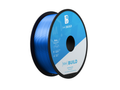
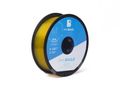
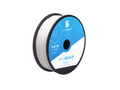
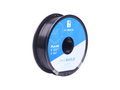
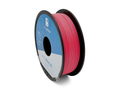
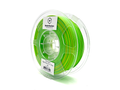
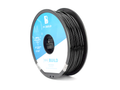
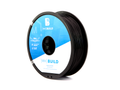
Nine spools of PLA to try on the H3C, from Tough and High Speed to silky, matte, translucent and multicolor finishes.
Machine Only, plus 9 spools of MH Build Series filament
Accessories
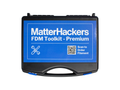

EDU Bundle
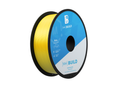
For classrooms, makerspaces and training labs, with materials for lessons on flexible parts, surface finishes, multicolor prints and soluble supports.
Machine Only, plus 8 spools of MH Build Series filament
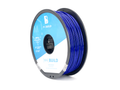
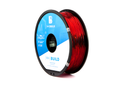
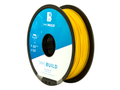
Accessories

Dryer Solutions Bundle
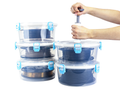
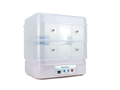
For nylon, nylon CF, TPU and PVA, which absorb moisture, with a PrintDry PRO 4 dryer and vacuum-sealed storage for opened spools.
Machine Only, plus 5 spools of MH Build Series filament
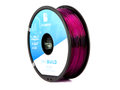
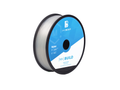
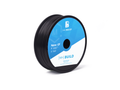
Accessories

Engineering Filament Bundle
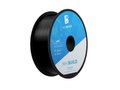
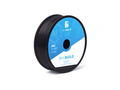
For functional prototypes, jigs, fixtures and outdoor parts in ABS, ASA, TPU and nylon CF, with PVA for soluble supports.
Machine Only, plus 6 spools of MH Build Series filament
Accessories

Professional Bundle
The widest material range, from High Speed PLA to nylon CF, with H3C hotends from 0.2 to 0.8 mm.
Machine Only, plus 9 spools of MH Build Series filament
Accessories
As shipped, the H3C has 8 tools for 1.75 mm filament, so the 2 bundles with 9 spools of 1.75 mm filament can load 8 at once unless you add a ninth 1.75 mm PrintTool, sold separately. Bambu Lab advises against printing low-temperature filaments such as PLA, PVA and TPU in the same job as high-temperature ones such as ABS, ASA and nylon, and recommends an external spool for nylon CF. Contents as of November 6, 2026.
Add to Any Option
Pick these in the options at the top of the page.
Launchpad Setup
A one-hour virtual session with one of our experts, from unboxing and calibration to your first print. Good for first-time Bambu Lab owners and schools getting several people started.
2-Year Extended Warranty
For individual professionals, small businesses and classrooms that want more protection.
3-Year Extended Warranty
Our longest term, for schools, engineering departments, production environments and service bureaus with long replacement cycles.
Why MatterHackers
Why Buy Your H3C From MatterHackers
We sell and support Bambu Lab printers for home users, schools and businesses, and our team can help you choose a machine, a bundle and the materials to go with it.
Bundles built for the H3C
Five bundles we put together for this printer, from a PLA sampler to a full engineering set.
Launchpad setup
Add a 1-hour session with one of our experts for help with setup, calibration and your first print.
Extended warranties
Add a 2- or 3-year extended warranty to any option when you order.
Quotes for schools and businesses
Buying for a school, business or print farm? Request a quote from this page and we'll follow up.
Bambu Lab lineup
Which Bambu Lab Printer Is Right for You?
The H3C sits in the H Series. Here's how the current lineup compares, and our comparison guide goes printer by printer.
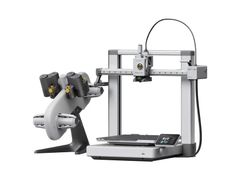
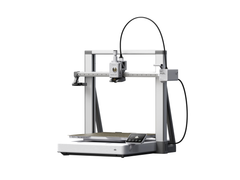
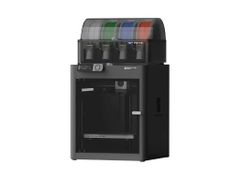
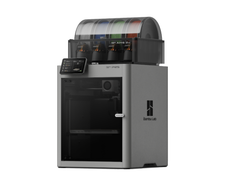
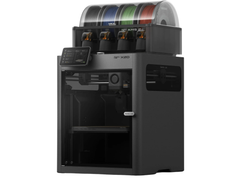
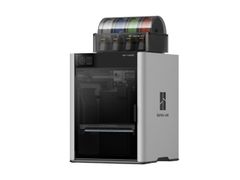
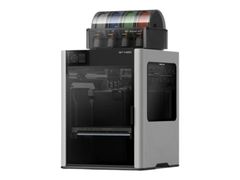
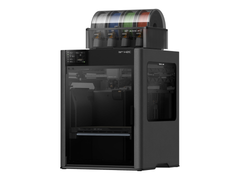
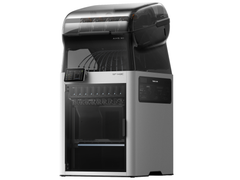
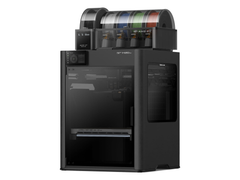
Filaments and features are rated on our own 4-step scale, from Basic to Superior. Laser editions and extra hotends are sold separately.
Still Deciding?
Tell us what you want to print and we'll help you pick a printer and bundle.
Tech specs
Bambu Lab H3C Specifications
H3C Printer
Body
Dimensions and Weight
Toolhead
Speed
Heatbed
Chamber Temperature Control
Supported Filaments
Air Purification
Cameras and Sensors
Toolhead Camera: 1920 × 1080
Cooling
Electronics
Software
Network Control
Wi-Fi
Radio details
2400 to 2483.5 MHz and 5150 to 5850 MHz (SRRC)
5 GHz Band 1/2: <23 dBm (FCC/CE/SRRC/MIC)
5 GHz Band 3: <30 dBm (CE); <24 dBm (FCC)
5 GHz Band 4: <23 dBm (FCC/SRRC); <14 dBm (CE)
Electrical Requirements²
Low-voltage version: 100 to 120 VAC, 50/60 Hz
Low-voltage version: 1850 W at 110 V
12.2 to 12.7 W with Wi-Fi connected
PC at 25 °C: 540 W
Environmental Requirements
Notes
AMS 3H
Body
Printing
Drying and Storage
Power
Low-voltage version: 100 to 120 VAC, 50/60 Hz


