We spent years teaching people how to fight their resin printers. Form Studio 1 makes many of those videos obsolete.
Our old resin how-tos taught dozens of chores. Here is which ones Formlabs Form Studio 1 removes, which remain, and who it fits.

Maybe you never started resin printing because the setup looked like a chemistry lab and the detail didn't seem worth the hassle. Maybe you did start, then drifted back to FDM once filament printers stopped needing constant babysitting. Or maybe you still print resin today and have a whole routine of workarounds that keep it going.
We know those workarounds well. MatterHackers carried hobby resin printers in the early days, and we spent years sharing the tips and tricks that got good prints out of machines that were never very user friendly. On the professional side, Formlabs has spent more than a decade building a resin workflow that saves time, which is exactly what a business pays for.
Form Studio 1 brings that workflow down to a desktop printer priced for the hobby bench. We'll walk through what changes at each step, and what still takes some care. For the full spec sheet, see our Form Studio 1 launch overview.
Why Resin Was Always Worth the Trouble
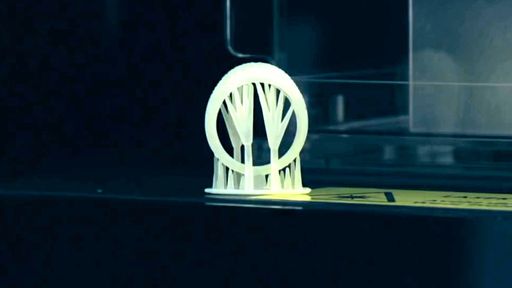
Detail is the whole reason people put up with resin. A miniature with a face you can actually read, or a ring with filigree thinner than any nozzle could lay down: that is what kept us sanding plates and changing vats. Form Studio 1 keeps that payoff with a 35 micron pixel and anti-aliasing, and Alpha Model Resin prints a matte, neutral surface made to take paint. Jewelers get True Cast, which prints fine filigree with fewer supports and smaller touchpoints than on Form 4.
What changed is everything around the print.
 THEN
THEN
 NOW
NOW
Before the Print
Dialing In a New Resin
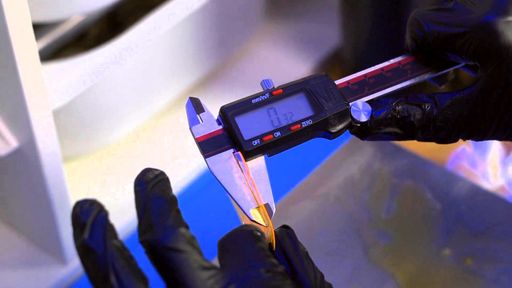
Every new bottle used to start with a guessing game. You printed a depth of cure square, measured it with calipers and worked out a starting cure time from there.
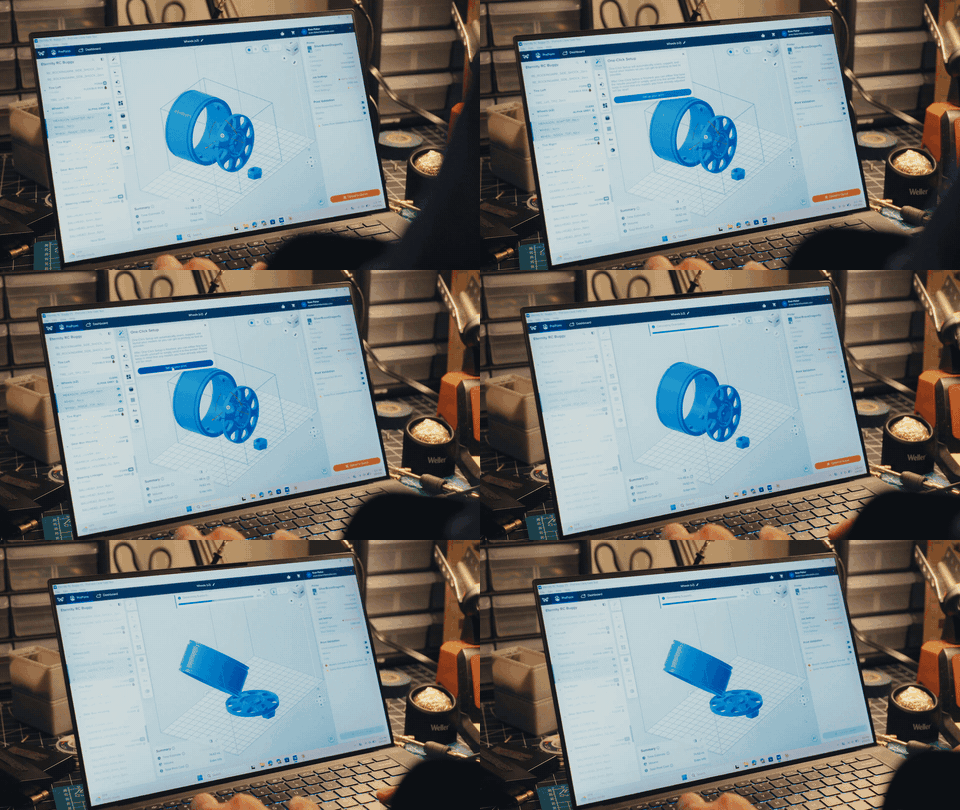
Instead of a calibration session, Formlabs materials arrive tuned. Each of the 9 materials supported at launch ships with validated print settings that Formlabs says it refined on hundreds of test parts. Setup in PreForm comes down to picking the material and a layer height. If you want to experiment, Open Material Mode is included with no purchase or activation step. Third-party resins still get dialed in by you, in the Resin Tank Pro, with the resin dispensed by hand.
 THEN
THEN
 NOW
NOW
Getting Resin Prints to Actually Stick
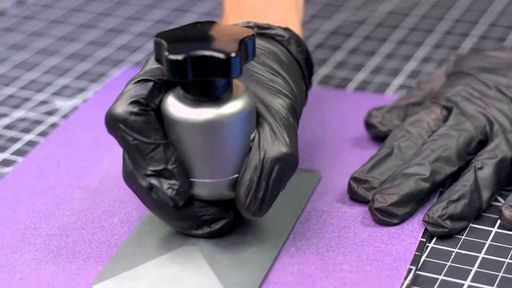
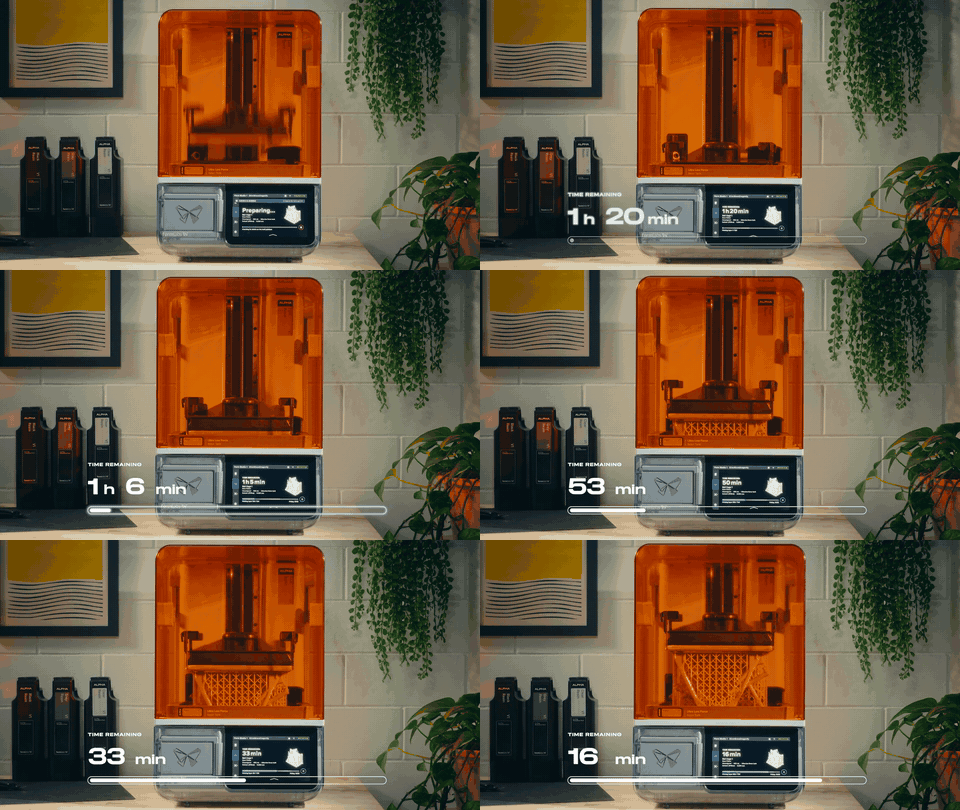
First layers that wouldn't stick sank a lot of resin prints, and our fix was elbow grease: lap the plate flat on sandpaper, then rough it up so the resin would grab. On Form Studio 1, the setup Formlabs lays out goes straight from inserting the cartridge, tank and build platform to printing, with no plate prep step, and Formlabs expects it to match Form 4’s 98.7% print success rate; final testing is still in progress.
Leveling was the other ritual. On the Peopoly Moai it meant a wrench on the nylock nuts and test cylinders measured with calipers. Form Studio 1 carries the same build platform leveling sensor as Form 4 and monitors leveling during each print. Day to day, leveling comes down to setting the printer level on its feet during setup, with the touchscreen as a guide, and parallelism shims come in the box if the platform ever needs adjusting.
 THEN
THEN
 NOW
NOW
Changing Resins
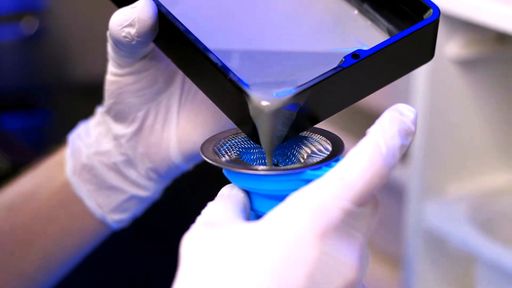
Changing resins with only a single vat on hand turned a material swap into a project. You drained the vat through a funnel and strainer, squeegeed out the rest, then cleaned, dried and refilled it.
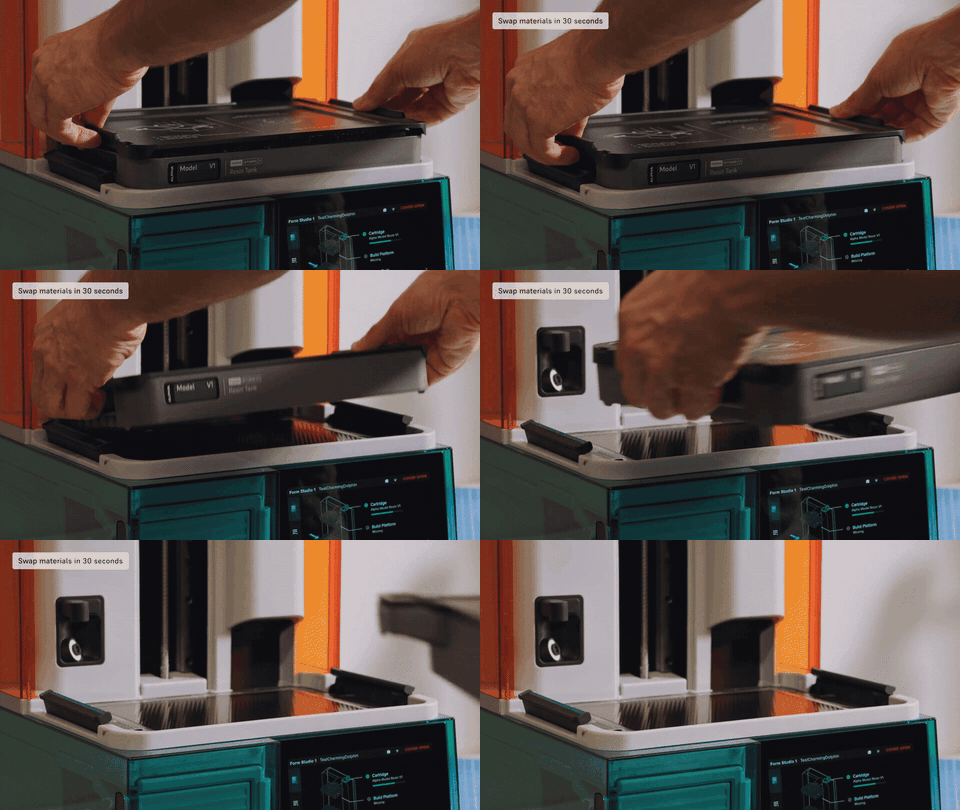
Pairing each Form Studio 1 material with its own tank simplifies this, and it's the intended workflow. Each resin lives in its own tank with a reusable lid, so switching means sliding in that resin's tank and cartridge. The printer dispenses from the cartridge and keeps the tank topped up during the print. Each package ships with one standard tank, so plan on a tank for every resin you rotate through, and a Resin Tank Pro for Tough 1500 or third-party resin.
 THEN
THEN
 NOW
NOW
During the Print
When a Print Fails
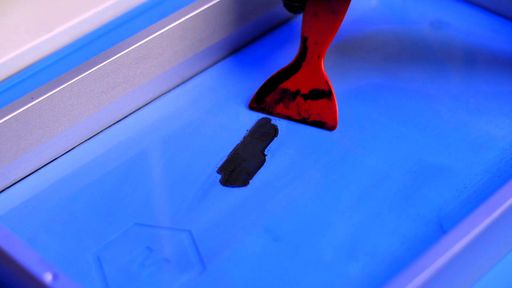
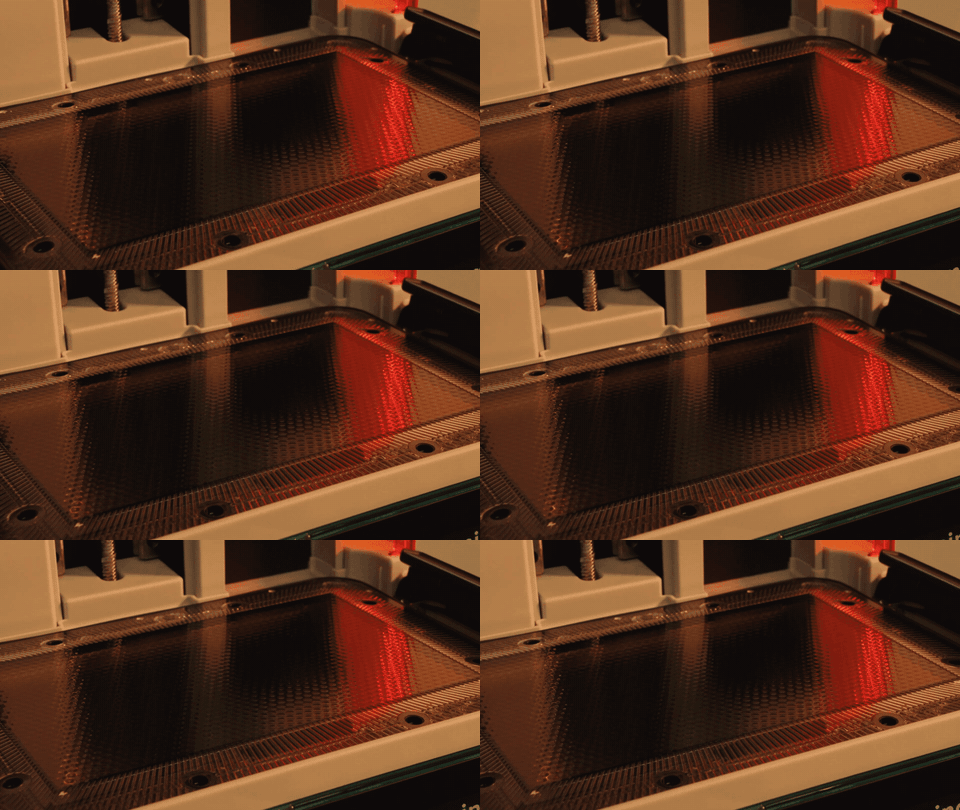
A failed print used to leave cured flakes stuck to the FEP film, ready to ruin the next print. Our MH Build guide had you scrape them off with a plastic putty knife and hope the film survived.
Form Studio 1 works to keep you from getting there. A passive Release Texture and a flexible film tank cut peel forces, which Formlabs says cause most of the wear and reliability problems on LCD printers. A camera and a set of force and temperature sensors watch each job. When a print does fail, the printer makes a thin cleaning sheet that binds loose debris together. You peel it out with the included removal tool and can hang it in the build platform to drain back into the tank. Formlabs doesn't advertise automatic failure detection, so the manual still asks you to inspect the tank after every print.
 THEN
THEN
 NOW
NOW
After the Print
Getting Parts Off the Plate
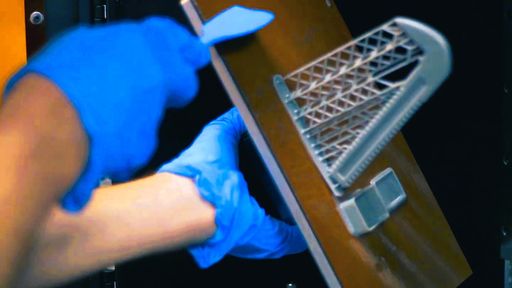
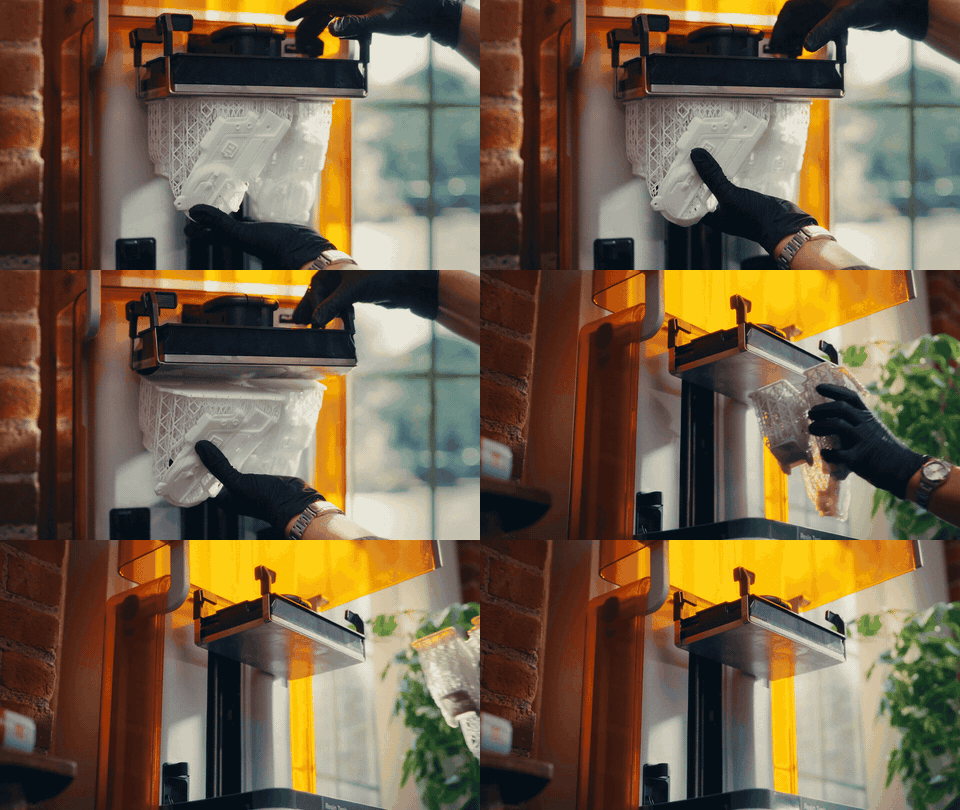
On a rigid plate, getting parts off meant working a spatula under them and hoping the part survived. With Build Platform Flex, you flex the platform and the parts release without scraping. It comes in the Form Studio 1 Flex Package, while the Basic Package ships with the standard platform. Either way, a drip tray in the box holds wet parts and tools while you work.
 THEN
THEN
 NOW
NOW
Washing and Curing
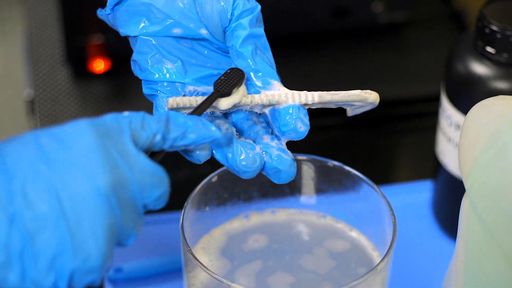
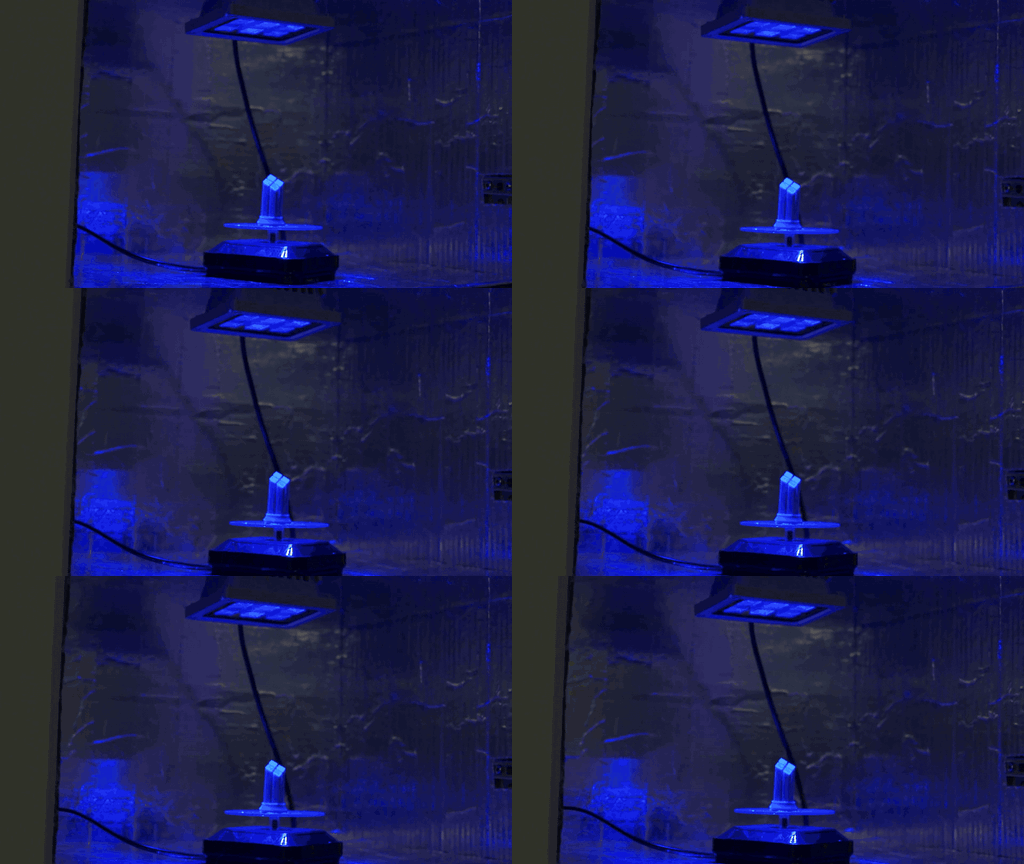
The old finish line was a bench of improvised gear. Parts went through an ultrasonic bath and a toothbrush scrub, or a container of alcohol, then cured under a UV lamp or in the sun. Every bench looked a little different because everyone assembled their own process.
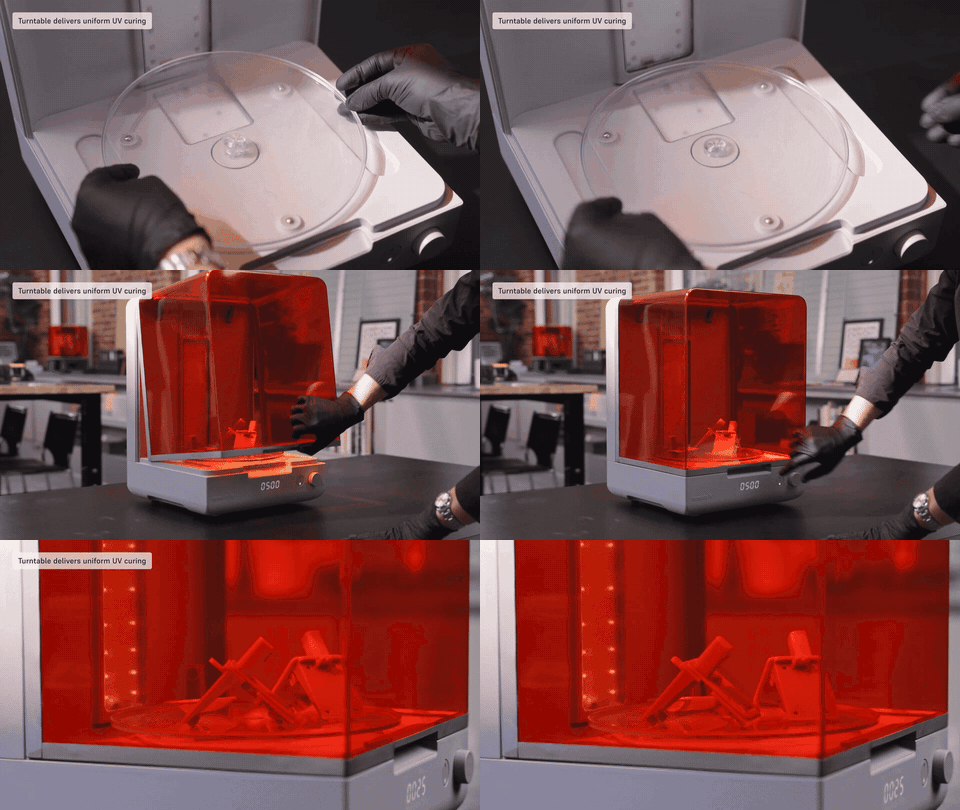
Post-processing is now a system you follow. One Form Studio Wash+Cure unit handles both steps, and parts can go in still on the build platform. Out of the box it runs 5 minutes of washing and 5 of curing, which works for Alpha Resins. Parts still need to dry fully before curing.
 THEN
THEN
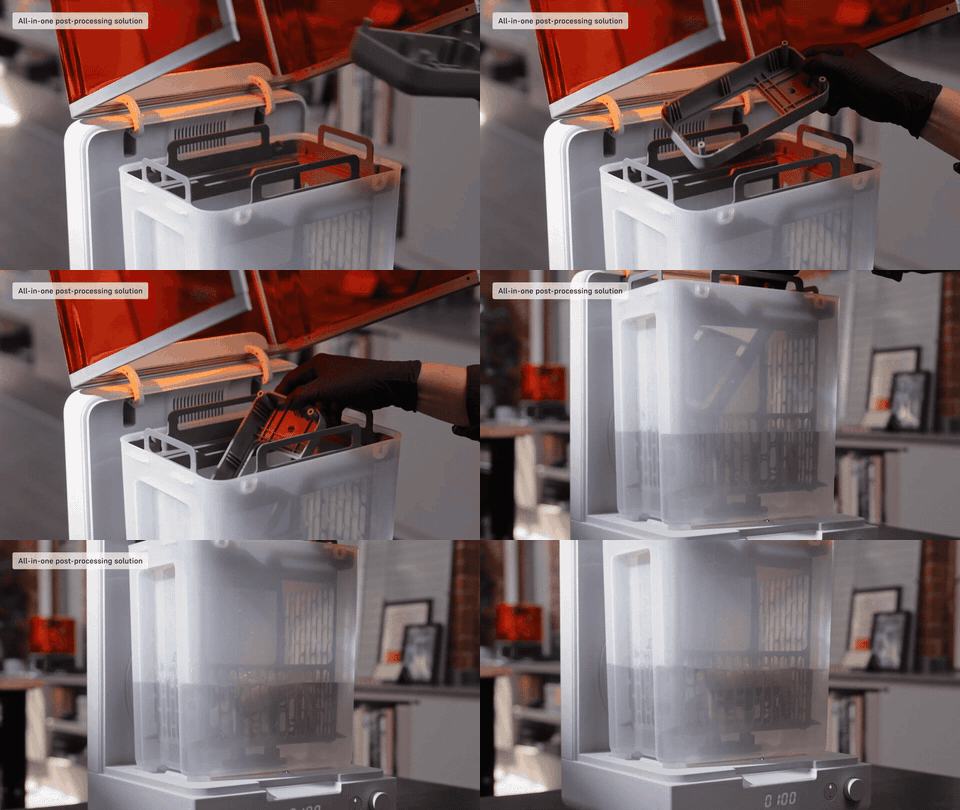 NOW
NOW
 THEN
THEN
 NOW
NOW
Air Quality, and Where a Resin Printer Can Live
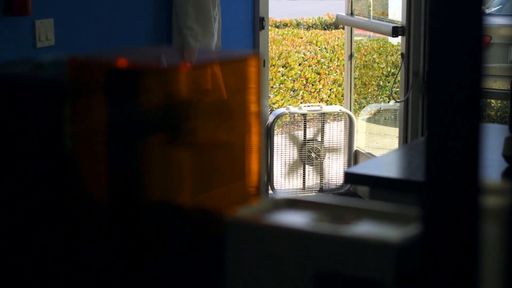
Every resin releases VOCs that are sensitizers, and Formlabs warns that long-term use in a closed room with poor airflow can lead to allergies. That's why ventilation always mattered. We had to get creative to keep the air moving, even in our dedicated print lab. It sat away from the offices, with a box fan ready at the outside door.
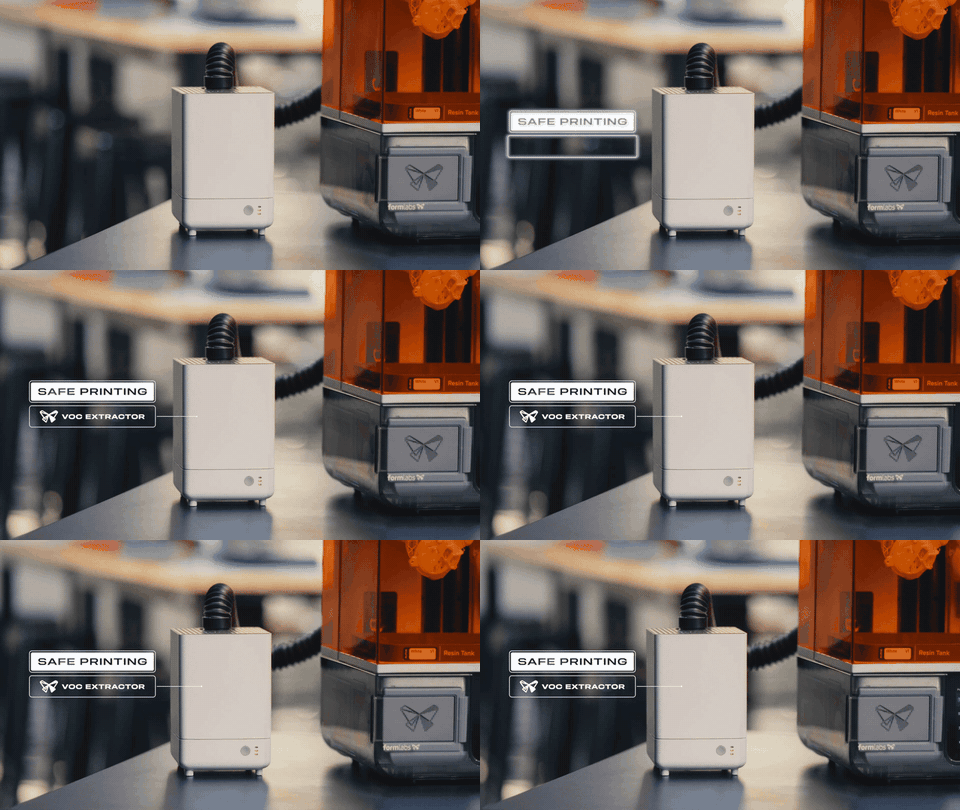
This is the biggest change in the lineup. With the VOC Extractor hooked up, Alpha Resins on Form Studio 1 hold UL GREENGUARD Gold certification, a first for any 3D printing material. Gold is the stricter tier of a low-emissions standard meant for products in homes and schools.
The certification doesn't cover post-processing, so your choice of wash solvent still matters. Isopropyl alcohol evaporates quickly and is flammable, while TPM doesn't evaporate readily and needs a water rinse afterward. Form Studio Wash+Cure works with either, and our new MatterHackers Pro Resin Cleaner Wash, a TPM-based wash, can go in the same order.
 THEN
THEN
 NOW
NOW
What Still Takes Some Care, and Why
Some steps remain, and each one has a reason.
- Gloves. Alpha Model Resin's safety data sheet lists it as a skin irritant and a skin sensitizer, so repeated contact can build into an allergy over time. That's why Formlabs recommends gloves with any liquid Alpha Resin, even though liquid Alpha Resin scored as a non-irritant on OECD 439 and all Formlabs resins are ACMO-free.
- Hand pours for third-party resin. Open Material Mode prints skip the automatic resin handling, so you dispense and manage that material yourself.
- Consumables. Tanks wear out eventually, and the VOC Extractor's carbon filters need replacing.
- A look between prints. With no advertised failure detection, checking the tank stays part of the routine.
Who Form Studio 1 Is For
It fits FDM owners who want resin detail without building a resin room, and painters who want a surface ready for primer. Classrooms and offices get a printer that can live indoors when it runs Alpha Resins with the VOC Extractor.
It also makes sense for small businesses that need batches of Alpha Resin parts without the buy-in of a Form 4. Form Studio 1 costs about a quarter of the $2,625 Form 4 Basic Package, third-party resin support comes included rather than as a paid license, and Alpha Resins are the more affordable resin line. The build volume is 200 × 125 × 235 mm, so jobs that need a Form 4L's platform still belong there.
It isn't the right pick if you print Tough resin all day, since Formlabs points those users to Form 4. Biocompatible resins aren't supported at all.
Resin still involves gloves and a wash step. What changed is that the chores we used to spend whole videos on now come with a defined process, and many of them are handled by the printer.
Form Studio 1 has arrived, with limited Founders Edition colors and a few perks on orders placed through November 30, while supplies last. Formlabs expects first units to ship in late November or December, and our curated Form Studio 1 bundles have the printer, and everything around it in one order, so you can succeed on day one.